























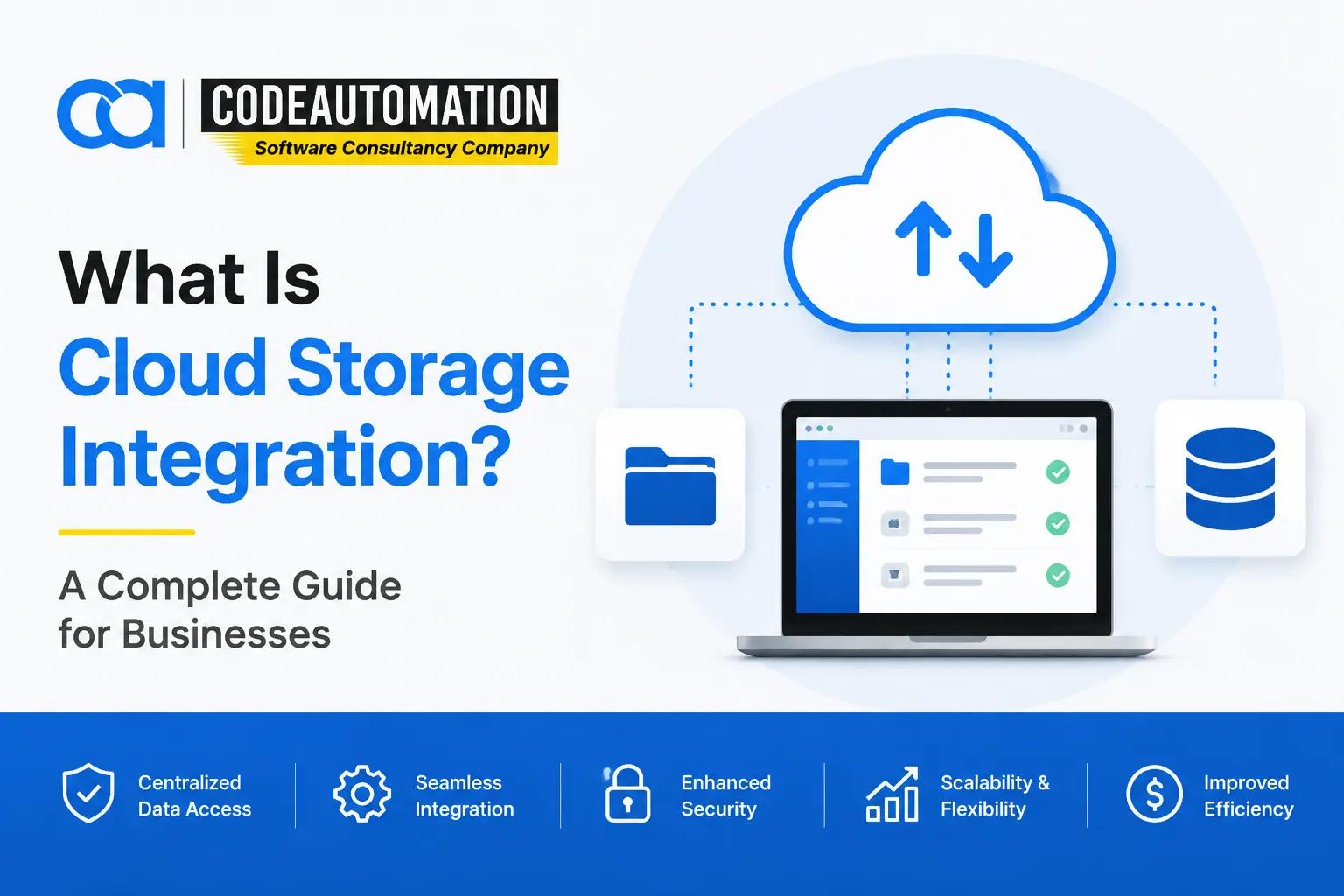
What Is Cloud Storage Integration? A Complete Guide for Businesses
Published 26/ 08/ 2026
Businesses today rely on multiple cloud platforms to store, manage, and share important files and business information. While cloud storage improves accessibility and collaboration, many organizations face challenges when their storage platforms operate separately from their applications and workflows.
Businesses today rely on multiple cloud platforms to store, manage, and share important files and business information. While cloud storage improves accessibility and collaboration, many organizations face challenges when their storage platforms operate separately from their applications and workflows.
Teams often spend time manually transferring files, managing duplicate data, and switching between disconnected systems.
Cloud storage integration helps solve these challenges by connecting cloud storage platforms with business applications, internal systems, and automated workflows. This enables organizations to access information faster, reduce manual processes, and create more efficient digital operations.
Modern businesses use cloud storage integration to connect platforms such as Google Drive, Dropbox, Box, Amazon S3, and other storage environments with CRM systems, enterprise applications, analytics platforms, and custom software solutions.
What Is Cloud Storage Integration?
Cloud storage integration is the process of connecting cloud storage platforms with business applications, systems, and workflows to enable secure data access, synchronization, and automation.
Instead of keeping data isolated inside separate storage environments, integration creates a connected ecosystem where information can move between platforms based on business requirements.
For example, a company may integrate its cloud storage platform with a CRM system so customer documents are automatically linked to customer records. Another organization may connect storage systems with internal applications to automate document processing and approval workflows.
Cloud storage integration commonly involves:
- Cloud storage platforms
- Business applications
- APIs and connectors
- Authentication systems
- Data synchronization processes
- Workflow automation
The goal is not only storing data but making information available where and when businesses need it.
How Does Cloud Storage Integration Work?
Cloud storage integration works by establishing secure connections between storage platforms and other business systems.
The integration process usually includes several key components.
1.Connecting Cloud Storage Platforms
The first step is connecting cloud storage environments with the applications that need access to stored information.
Common cloud storage platforms include:
- Google Drive
- Dropbox
- Box
- Egnyte
- Amazon S3
- Microsoft Azure Blob Storage
Businesses can connect one or multiple storage platforms depending on their operational needs.
2.API-Based Integration
Application Programming Interfaces (APIs) allow different systems to communicate with each other.
Through APIs, businesses can:
- Upload and retrieve files automatically
- Access stored information from applications
- Synchronize data between platforms
- Trigger automated workflows
API-based integration provides more flexibility compared to basic file-sharing connections.
3.Authentication and Security Management
Secure cloud storage integration requires proper access controls.
Common security practices include:
- User authentication
- Role-based permissions
- Encryption
- Secure data transfer
- Activity monitoring
These controls help organizations maintain data security while improving accessibility.
4.Data Synchronization and Automation
Integration allows businesses to synchronize information across connected systems.
Examples:
- A customer uploads a document → file is automatically stored and linked to a CRM record.
- A team updates a file → changes are reflected across connected applications.
- A business process reaches a milestone → automated notifications are triggered.
This reduces manual work and improves operational efficiency.

Ready to Automate Your Success?
From AI-powered applications to scalable software development, we help businesses automate workflows and accelerate growth.
Book a Free ConsultationWhy Do Businesses Need Cloud Storage Integration?
Many organizations store important information across multiple platforms. Without integration, these systems can create disconnected workflows and unnecessary complexity.
Cloud storage integration helps businesses:
1.Eliminate Data Silos
Integration connects information stored across different platforms, allowing teams to access accurate data without searching through multiple systems.
2.Improve Workflow Automation
Businesses can automate repetitive tasks such as:
- File transfers
- Document approvals
- Data synchronization
- Notifications
This allows employees to focus on higher-value activities.
3.Improve Collaboration
Connected storage systems allow teams, applications, and departments to work with the same information more efficiently.
4.Increase Operational Efficiency
Automated data movement reduces manual processes, minimizes errors, and improves productivity.
5.Support Business Growth
As organizations grow, disconnected systems become harder to manage. Scalable integration solutions help businesses maintain efficient operations as data requirements increase.
Types of Cloud Storage Integration
Cloud storage integration can be implemented in different ways depending on business requirements.
1.File Storage Integration
File storage integration connects platforms used for storing and managing documents.
Examples:
- Google Drive integration
- Dropbox integration
- Box integration
Common use cases:
- Document sharing
- File synchronization
- Team collaboration
2.Application Integration
Application integration connects cloud storage platforms with business applications.
Examples:
- CRM systems
- ERP platforms
- Customer portals
- Internal applications
This allows businesses to access files and information directly within their existing workflows.
3.Cloud Data Integration
Cloud data integration connects data stored across different cloud environments.
Businesses use it for:
- Data analysis
- Reporting
- Business intelligence
- Data management
4.Multi-Cloud Integration
Organizations using multiple cloud providers can integrate different environments to create a connected technology ecosystem.
Examples:
- AWS storage
- Google Cloud Storage
- Azure storage solutions
Benefits of Cloud Storage Integration for Businesses
1.Secure and Centralized Data Access
Integration provides controlled access to business information across connected systems.
2.Automated Business Workflows
Organizations can create automated processes that reduce repetitive manual tasks.
3.Better Data Availability
Employees and applications can access required information faster.
4.Improved Productivity
Teams spend less time managing files manually and more time completing business-critical tasks.
5.Scalable Operations
Cloud storage integration allows businesses to expand their systems without creating additional data management complexity.
Cloud Storage Integration Use Cases
Cloud storage integration is used across many industries to improve workflows and data accessibility.
1.Healthcare
Healthcare organizations use integrations for:
- Secure document management
- Patient information workflows
- Data sharing between systems
2.Finance
Financial companies use integrations for:
- Document processing
- Compliance workflows
- Secure file exchange
3.Ecommerce
Ecommerce businesses use integrations for:
- Product assets
- Order documentation
- Customer information management
4.SaaS Companies
Software companies use integrations for:
- Customer file management
- Application workflows
- Automated data processes
Cloud Storage Integration Challenges
Although cloud integration provides significant benefits, businesses must consider several challenges.
1.Security and Compliance
Organizations must ensure sensitive data remains protected during storage and transfer.
2.Access Management
Poor permission management can create security risks.
3.Data Synchronization Issues
Businesses need reliable synchronization processes to avoid outdated or inconsistent information.
4.Integration Complexity
Connecting multiple platforms requires careful planning, technical expertise, and ongoing maintenance.
Cloud Storage Integration vs Cloud Storage Migration
Although these terms are related, they solve different business problems.
Cloud Storage Integration Cloud Storage Migration Connects existing systems Moves data between systems Enables automation Focuses on transition Creates connected workflows Changes storage location Supports ongoing operations Usually happens during transformation projects
A business may migrate data to a new platform and later integrate that platform with other applications.
How Businesses Implement Cloud Storage Integration
Successful cloud storage integration requires a structured approach.
1. Identify Business Requirements
Organizations should first understand:
- Which systems need to connect
- What data needs to move
- Which workflows require automation
2. Select Integration Approach
Businesses can choose between:
- Existing connectors
- APIs
- Custom integration solutions
The right approach depends on complexity and business goals.
3. Build and Configure Integrations
This involves:
- API development
- Authentication setup
- Workflow configuration
- Data mapping
4. Test Security and Performance
Before deployment, integrations should be tested for:
- Data accuracy
- Security
- Reliability
- Performance
5. Monitor and Optimize
Ongoing monitoring ensures integrations continue supporting changing business requirements.
For organizations that need tailored solutions, custom cloud storage integration services help connect storage platforms with business applications, workflows, and enterprise systems based on specific operational needs.
Future of Cloud Storage Integration
Cloud storage integration is evolving as businesses adopt automation, artificial intelligence, and connected digital ecosystems.
Future trends include:
- AI-powered workflow automation
- Intelligent document processing
- Real-time data synchronization
- Multi-cloud environments
- Automated business operations
Organizations are moving beyond simply storing information toward creating connected systems where data can automatically support business processes.
Need a Custom Cloud Storage Integration Solution?
Every business has different systems, workflows, and data requirements. A customized integration approach can help connect your storage platforms with the applications your teams already use.
Explore our Cloud Storage Integration Services to build secure, scalable, and automated data connections.
Frequently Asked Questions (FAQs)
Everything you need to know about our products and services
Cloud storage integration connects cloud storage platforms with applications, systems, and workflows to enable secure data access, synchronization, and automation.
Businesses use cloud storage integration services to connect disconnected systems, automate workflows, improve collaboration, and make business information easier to access.
Yes. Cloud storage can be integrated with CRM systems, ERP platforms, custom applications, and other business tools using APIs, connectors, and custom development.
Cloud storage integration connects systems so they can work together, while migration moves data from one storage environment to another.
Secure integrations use authentication, encryption, permissions management, and monitoring practices to protect business data.





Adnan Ghaffar is the visionary CEO of CodeAutomation.ai, a platform dedicated to transforming how businesses build software through cutting-edge automation. With over a decade of experience in software development, QA automation, and team leadership, Adnan has built a reputation for delivering scalable, intelligent, and high-performance solutions.
Under his leadership, CodeAutomation.ai has grown into a trusted name in AI-driven development, empowering startups and enterprises alike to streamline workflows, accelerate time-to-market, and maintain top-tier product quality. Adnan is passionate about innovation, process improvement, and building products that truly solve real-world problems.
More Articles
14/09/2026
How Can AI Business Automation Improve Customer Service Efficiency
02/10/2026
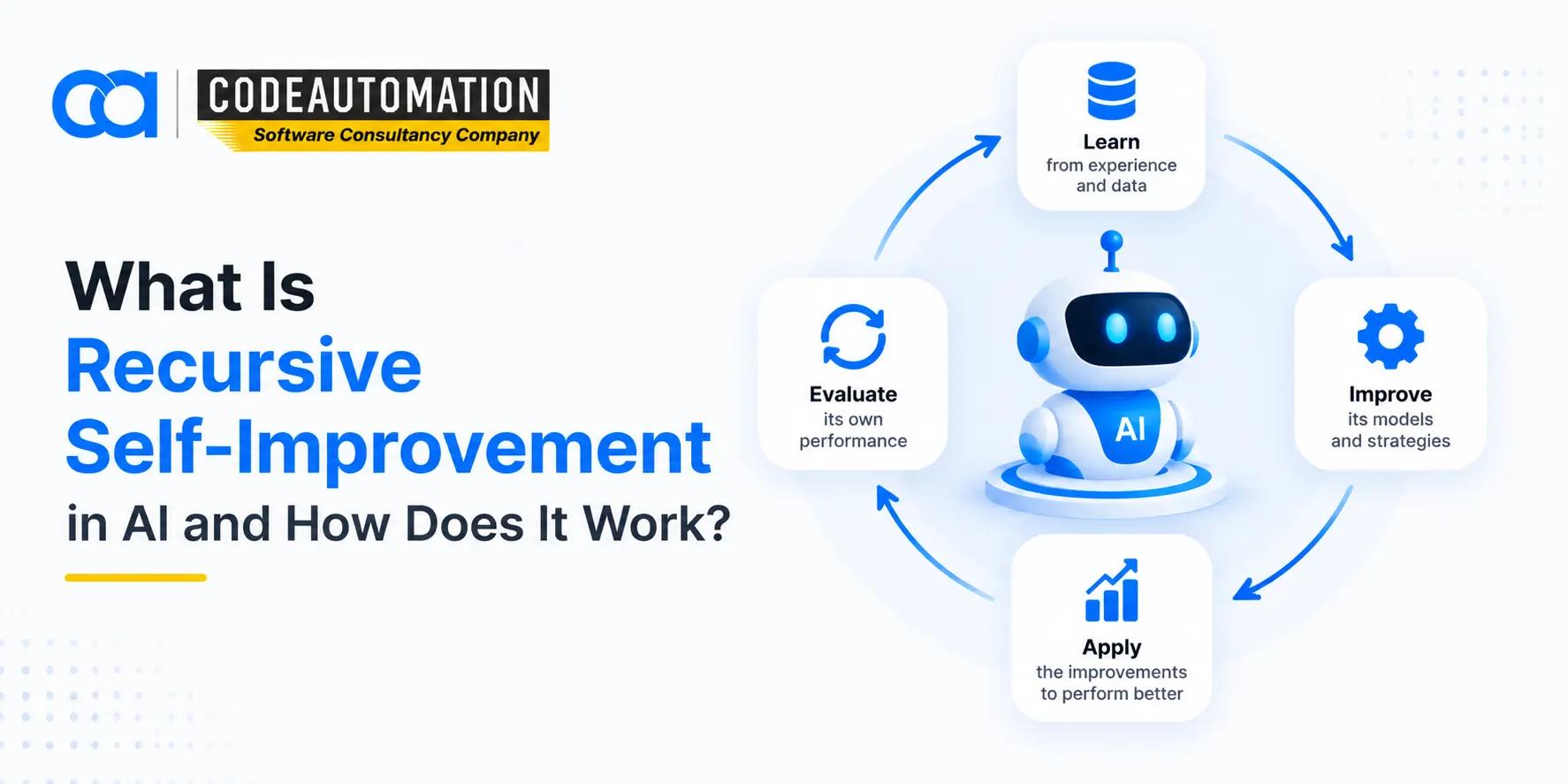
What Is Recursive Self-Improvement in AI and How Does It Work?

15/ 04/ 2026
AI virtual assistants for business: Use cases and benefits
10/09/2026
Top AI Automation Platforms for Enterprise Workflows: Companies, Features, and Use Cases

18/ 12/ 2025
Why Odoo ERP is the Game-Changer Your Business Needs: Unlock Its Power for Growth with CodeAutomation
29/08/2026