























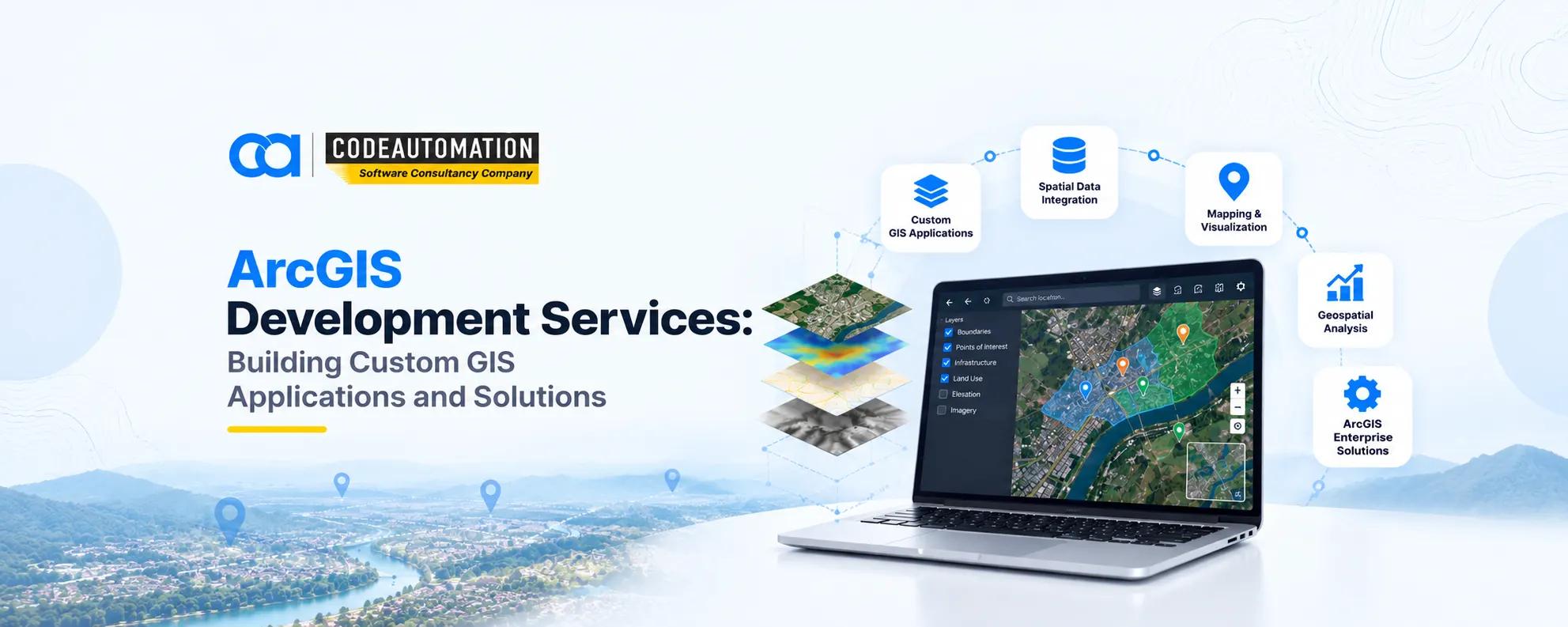
ArcGIS Development Services: Building Custom GIS Applications and Solutions
ArcGIS Development Services: Building Custom GIS Applications and Solutions
Published 26/10/2026
ArcGIS development services cover the design and build of applications on Esri's platform components, Maps SDKs, REST APIs, feature and geoprocessing services, ArcGIS Online, and ArcGIS Enterprise. The deliverable is software: a browser-based mapping application, a field-data mobile client, and an analytics dashboard wired to live feature layers.
Esri's ArcGIS stack has become the default spatial infrastructure for organizations managing geography at scale, but out of the box it's a platform, not a product for your workflow. ArcGIS development is the engineering layer that sits on top: building custom web and mobile applications against ArcGIS APIs and SDKs, extending the platform with domain logic it doesn't ship with, and wiring feature services into the ERP, CRM, and asset systems where operational decisions actually get made. The gap between what ArcGIS Pro can do and what a utility's dispatch team needs is exactly what custom development closes.
What Are ArcGIS Development Services?
ArcGIS development services cover the design and build of applications on Esri's platform components, Maps SDKs, REST APIs, feature and geoprocessing services, ArcGIS Online, and ArcGIS Enterprise. The deliverable is software: a browser-based mapping application, a field-data mobile client, and an analytics dashboard wired to live feature layers.
Extension happens through APIs and SDKs rather than configuration. Custom widgets, tailored editing workflows, proprietary scoring logic executed as geoprocessing services, and authentication flows bridging ArcGIS identity with corporate SSO all require code.
The distinction from simply using ArcGIS software matters commercially. Licensed desktop and web apps deliver general-purpose capability configured by GIS analysts. Development produces bespoke systems where spatial functionality is embedded in a business process, consumed by users who never open a GIS tool and often don't know one is running underneath.
Why Organizations Use Custom ArcGIS Development
Industry-specific workflows permit review, outage restoration, right-of-way clearance rarely map cleanly onto generic templates. Custom mapping applications expose only the layers and tools a given role needs, reducing training overhead. Integration requirements pull spatial data into systems of record. And advanced analysis, from network tracing to custom suitability models, exceeds what configurable apps support.
What Can You Build With ArcGIS Development?
Custom Web GIS Applications
Browser-based clients built with the ArcGIS Maps SDK for JavaScript deliver interactive maps with custom symbology, location dashboards filtered by role, and spatial data visualization over vector tile layers—all served without a desktop install.
Mobile GIS Applications
Field data collection apps capture geometry and attributes with device GPS, offline mapping packages sync when connectivity returns, and mobile workforce solutions route crews against live asset status rather than printed work orders.
Enterprise GIS Solutions
Internal GIS platforms centralize authoritative layers behind managed services, data management systems govern versioning and editing rights, department-specific applications serve planning, engineering, and operations separately, and large-scale geospatial workflows run as scheduled automation.
GIS Dashboards and Analytics Platforms
Real-time monitoring surfaces asset and fleet state as it changes, spatial analytics compute against live feature services, business intelligence dashboards blend spatial and tabular KPIs, and decision-support systems surface thresholds and exceptions rather than raw maps.

Ready to Automate Your Success?
From AI-powered applications to scalable software development, we help businesses automate workflows and accelerate growth.
Book a Free ConsultationHow Does ArcGIS Development Work?
Delivery follows a defined sequence: business requirements → data preparation → ArcGIS platform selection → application development → integration → testing and deployment.
Requirement Analysis and GIS Planning
Scoping starts from the business goal and the decision it supports, identifies the spatial workflows involved, who edits, who consumes, at what cadence, and selects platform components accordingly: ArcGIS Online for lighter deployments, ArcGIS Enterprise where data residency or scale demands it.
Developing With ArcGIS APIs and SDKs
The ArcGIS Maps SDK for JavaScript handles web clients; native SDKs for Swift, Kotlin, .NET, and Qt cover mobile and desktop. ArcGIS REST APIs expose feature services, geocoding, routing, and geoprocessing endpoints. Developer tooling and the ArcGIS API for Python support automation, batch publishing, and custom functionality that the platform doesn't provide natively.
Integrating ArcGIS With Business Systems
Integration connects enterprise geodatabases on PostgreSQL, SQL Server, or Oracle; enterprise applications including SAP, Maximo, and Salesforce; cloud platforms on AWS or Azure; and third-party systems consumed through REST, webhooks, or message queues. This is typically the hardest engineering surface in the project, and it's where dedicated custom software development and system integration services carry more weight than GIS expertise alone.
Testing and Deploying ArcGIS Applications
Performance testing profiles tile load, query latency, and concurrent user ceilings. Data validation checks geometry integrity, attribute domains, and coordinate reference consistency. Security review covers token lifecycle, role-based layer permissions, and OAuth flows. Production deployment runs through containerized environments with CI/CD and rollback capability.
Key Technologies Used in ArcGIS Development
ArcGIS APIs
Mapping APIs render and query layers programmatically, location services supply geocoding, routing, and drive-time isochrones, and spatial analysis endpoints expose overlay, proximity, and aggregation operations as callable services.
ArcGIS SDKs
Web development runs on the JavaScript Maps SDK. Mobile development uses native SDKs supporting offline map packages and device sensors. Native GIS applications extend to .NET and Qt where desktop-grade performance is required.
ArcGIS Online and ArcGIS Enterprise
ArcGIS Online delivers cloud-hosted GIS with managed infrastructure. ArcGIS Enterprise provides self-hosted portal, server, and data store components for organizations with compliance, residency, or integration constraints. Both handle item-level data sharing, group permissions, and content management.
Spatial Databases and Geospatial Data
Geographic datasets span vector feature classes, imagery mosaics, and elevation surfaces. Spatial databases, enterprise geodatabases with versioning and archiving enabled, hold authoritative records. Data integration pipelines reconcile external sources into that model on a defined refresh schedule.
ArcGIS Development Applications Across Industries
ArcGIS Solutions for Government and Smart Cities
Urban planning applications model zoning and density scenarios, public infrastructure systems track condition and maintenance history, citizen service portals accept geolocated requests, and asset management links spatial records to work orders.
ArcGIS Applications in Real Estate and Land Development
Site analysis tools score parcels against constraint layers, property mapping renders cadastral boundaries with ownership attributes, land planning models buildable area, and development workflows track entitlement status spatially.
ArcGIS Solutions for Transportation and Logistics
Route planning solves against the network dataset with live traffic and time windows, fleet tracking streams vehicle positions into monitoring dashboards, and infrastructure monitoring flags condition changes along corridors.
ArcGIS Applications in Environmental Management
Natural resource monitoring tracks extraction and regeneration, environmental analysis quantifies impact against baseline layers, and conservation planning prioritizes parcels using weighted suitability models.
ArcGIS Solutions for Utilities
Asset tracking maintains the spatial inventory of poles, valves, and transformers. Network management uses the utility network model for connectivity tracing and outage isolation. Field operations apps push work orders with offline map support to crews.
Benefits of ArcGIS Development Services
Customized GIS workflows match how teams actually operate instead of forcing processes around tooling. Spatial decision-making improves when analysis runs against current authoritative data rather than exported snapshots. Data visualization gets purpose-built for the audience. Integration removes manual re-entry between GIS and systems of record. Applications scale horizontally as user counts and data volumes grow. And operational efficiency rises measurably when field capture, dispatch, and reporting run as one connected system.
ArcGIS Development vs. Standard GIS Software
Standard GIS software ships pre-built features covering general-purpose workflows, configured through settings rather than code, with customization limited to what the configuration surface exposes. It's fast to stand up and adequate where requirements are conventional.
Custom ArcGIS development produces business-specific applications with bespoke integrations, workflows tailored to actual operating procedure, and advanced functionality, custom geoprocessing, proprietary models, and non-standard UI — that configuration cannot reach. The trade is a higher initial investment against a system that doesn't require staff to work around its limitations indefinitely.
How Businesses Choose the Right ArcGIS Development Approach
Define business requirements first: the decision or process the application serves and the accuracy and latency it demands. Identify existing GIS workflows and which are candidates for automation. Choose platform components based on the data residency user licensing model, and scale. Evaluate integration needs against the API surface of your enterprise systems. Then plan for scalability and maintenance explicitly: version upgrade paths, SDK deprecation cycles, and ownership of the codebase after handover.
Future of ArcGIS Development
AI-powered GIS is moving deep learning inference directly into the platform through ArcGIS Image Analyst and Notebooks. GeoAI integration will make feature extraction and classification routine rather than specialist work. Real-time geospatial analytics will score streaming feeds at ingestion. Cloud-based deployment continues displacing on-premises infrastructure, and automated spatial workflows will chain acquisition, analysis, and alerting with no analyst in the loop until a threshold is crossed. Teams pairing this with broader AI-driven business process automation solutions get spatial triggers acting directly on operational systems.
Frequently Asked Questions (FAQs)
Everything you need to know about our products and services
They cover the design and engineering of custom applications built on Esri's ArcGIS platform using its APIs, SDKs, and services, web and mobile GIS clients, enterprise geospatial systems, analytics dashboards, and integrations with business applications.
Interactive web mapping applications, offline-capable field data collection apps, enterprise GIS portals, real-time monitoring dashboards, custom geoprocessing tools, routing and dispatch systems, and spatial modules embedded inside existing enterprise software.
JavaScript and TypeScript for web clients, Python for automation and geoprocessing via the ArcGIS API for Python and ArcPy, Swift and Kotlin for native iOS and Android, C# and .NET for Windows applications, and SQL for enterprise geodatabase operations.
ArcGIS is the underlying platform that provides mapping, storage, and analysis capabilities. Custom GIS applications are software built on that platform that encode organization-specific workflows, interfaces, and integrations the standard product does not provide.





Adnan Ghaffar is the visionary CEO of CodeAutomation.ai, a platform dedicated to transforming how businesses build software through cutting-edge automation. With over a decade of experience in software development, QA automation, and team leadership, Adnan has built a reputation for delivering scalable, intelligent, and high-performance solutions.
Under his leadership, CodeAutomation.ai has grown into a trusted name in AI-driven development, empowering startups and enterprises alike to streamline workflows, accelerate time-to-market, and maintain top-tier product quality. Adnan is passionate about innovation, process improvement, and building products that truly solve real-world problems.
More Articles
28/10/2026
Enterprise Software Development: Building Technology That Supports Business Growth
Top 10 AI Consulting Companies for SMBs in US (2026)

26 November 2024
Competitors and Insights for Your QA Strategy

02/10/2026
What Is an Intelligence Explosion and How Could It Happen?

18 july 2026
Complete Guide to Software Development: Roles, Salaries, Career Paths, and How to Become a Developer in 2026
10/09/2026